DigiTickets
How to integrate DigiTickets with Drawbridge to get booking information
Written By Daniel Gleaves
Last updated 3 months ago
Prerequisites
Admin account login information
Installation
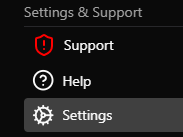
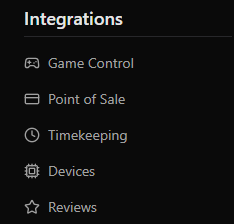
Navigate to Drawbridge > Settings > Point of Sale > DigiTickets.

Input your account’s username and password and click the slider to enable your DigiTickets integration. Press save to connect your DigiTickets account and begin syncing bookings.
Map each of your game control stories to a column in DigiTickets, ensuring that columns that are not games are mapped to the not-a-game tag. Change the Drawbridge name to what game name should be displayed throughout Drawbridge.

Still need help? Share an idea