Selling Observation Packages
An easy way to increase revenue!
Written By Emma Williams
Last updated 4 months ago
The Observation Page in Drawbridge is a display intended to allow parents or family members to watch a game while it’s being played. It is accessed from the Overview Screen and can be pulled up on an iPad or TV anywhere in the venue. Parents can watch the game and shift between cameras. They can also see the game timer and (depending on your cameras) listen to the group.

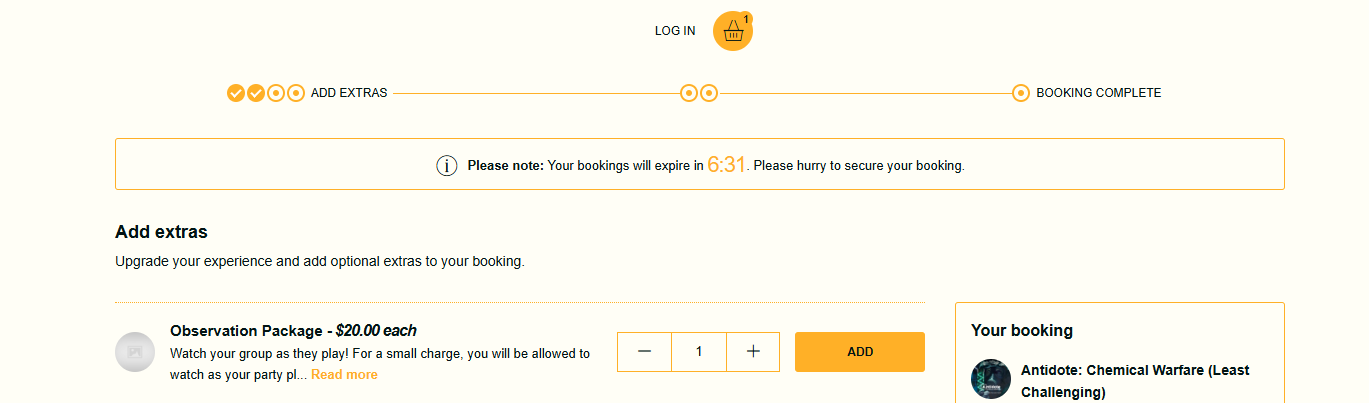
Observation Packages are a great way to make a little extra money in your venue. We’ve seen venues charge anywhere from $10-$20 as an add-on to bookings and all you have to do is hand the guests an iPad.
We recommend adding it to your booking software as an add-on available to any game booking, as the visibility increases chances that customers will add it on.
If you’d like to ensure that guests don’t mess with anything else on your device, you can put an iPad in “Kiosk Mode” where customers will be locked on the screen they’re given. These instructions are based on a 4th Gen iPad Air running iOS 18.5 and using the Safari browser.
Setting up Guided Access
iPad settings → Accessibility → Guided Access → Turn On. From there, Passcode Settings → Set Guided Access Passcode. Enter a password that will end Guided Access. Staff need to know this, but not guests.
Once enabled, you can start Guided Access by clicking either the home button or the power button three times (depending on if your iPad has a home button or not).
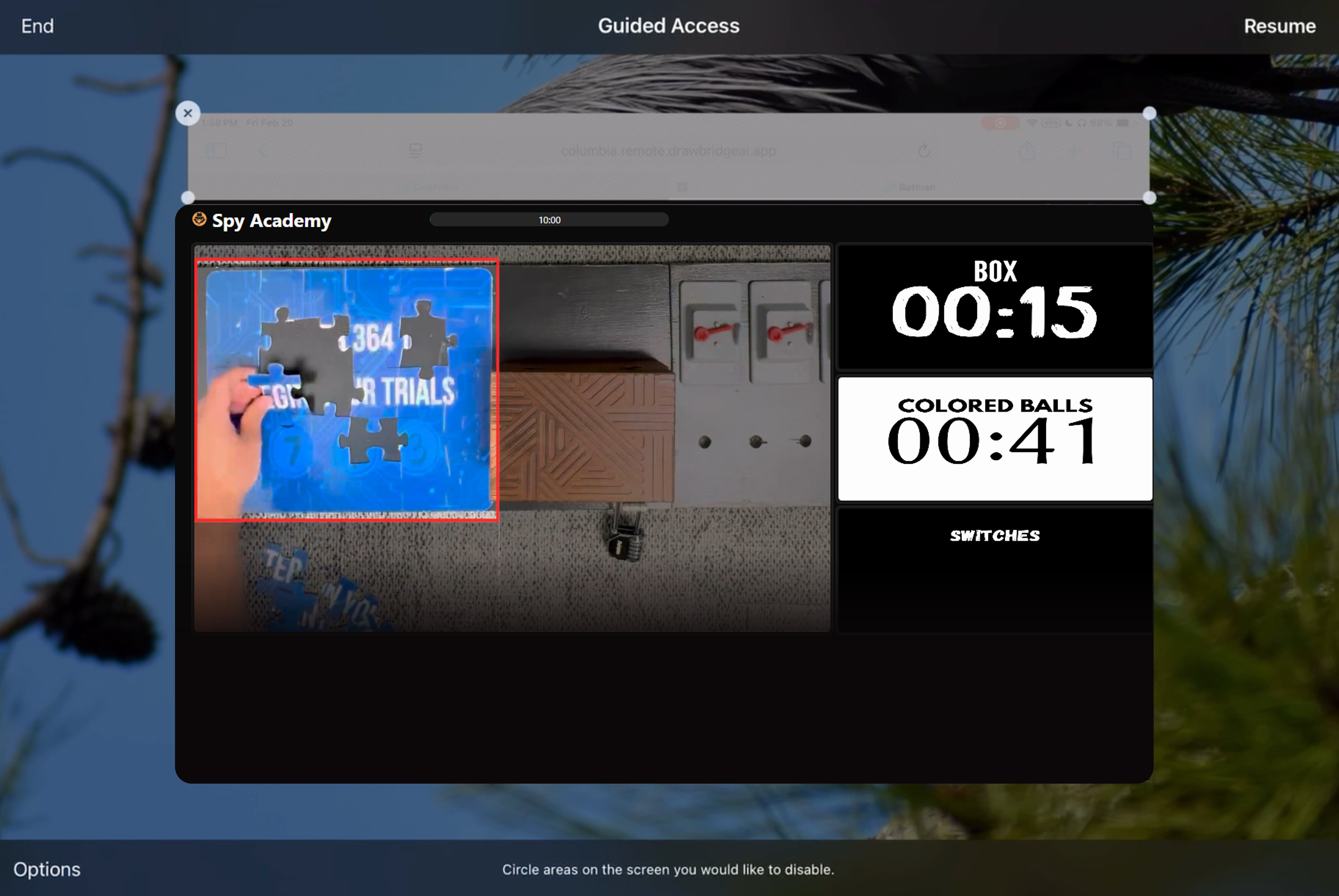
This brings up a menu where you can configure what you’d like to be accessible during Guided Access.
On this screen, you can also highlight areas/buttons that are off limits. You can block the ability to close out of the tab or create new tabs by circling them. This will create a box around the navigation bar of Safari and they will be unable to manipulate tabs. You only need to draw the box the first time you enable Guided Access, but you’ll need to reactivate it every time you enter Guided Access by triple tapping the button again and hitting Resume.
To end Guided Access, click the power or home button 3 times and enter the password you set in settings earlier.
Still need help? Share an idea