Changelog

Follow new updates and improvements to Drawbridge.

V1.30.0 - Playbook Enhancements, Gamemastering Improvements, and More

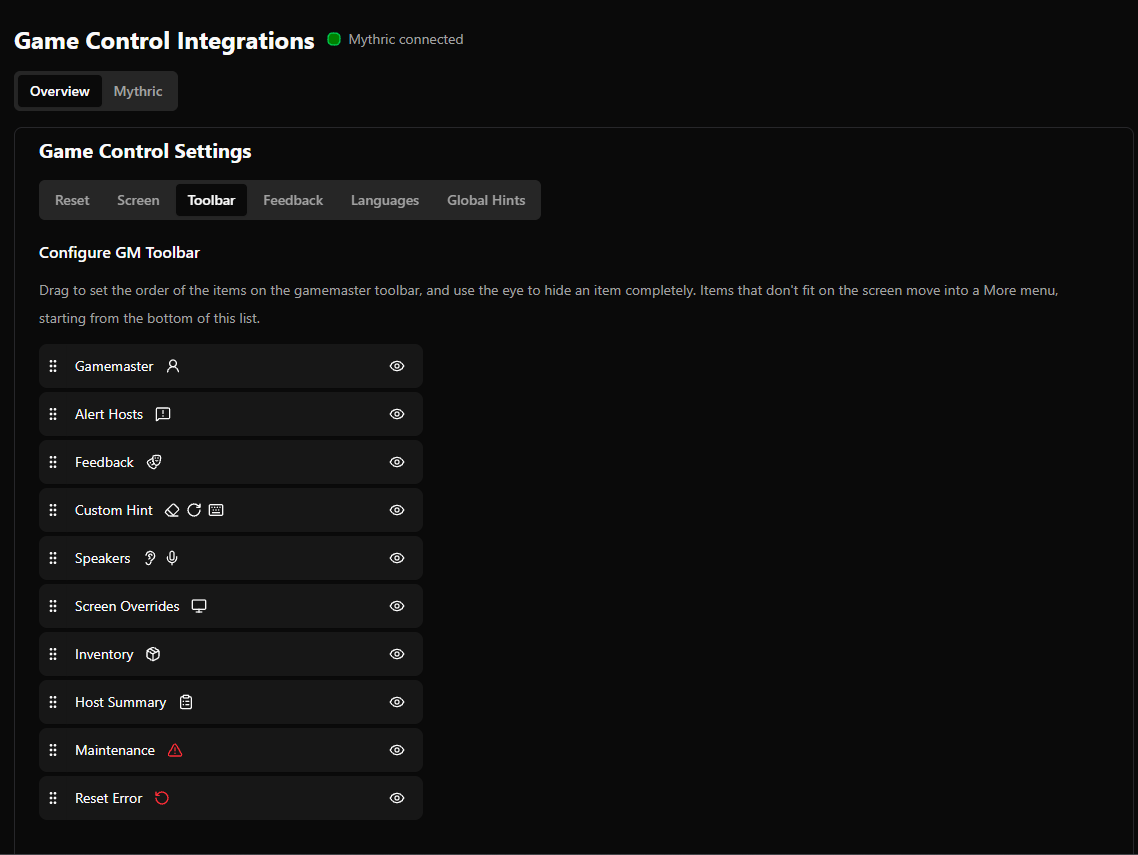
Reorder Gamemaster Toolbar

This is also configurable per employee from the employee preferences
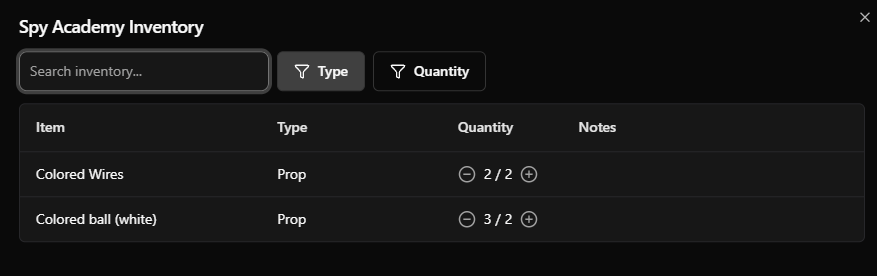
Quick Access Inventory from Gamemaster Toolbar
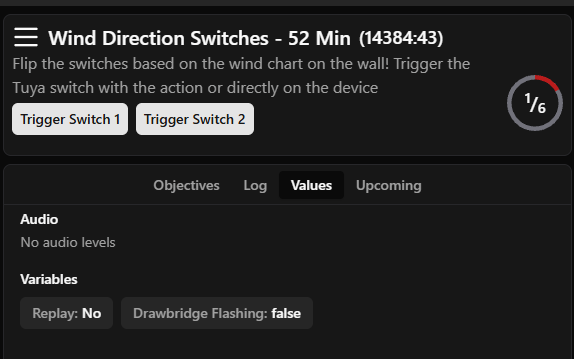
View Variables, Values, and Audio from the Gamemastering Page
Warn against deleting objectives, hints, screens, audios, nested actions, devices, or variables used in actions

  • Show which devices, screens, variables, and audios are not used in an action

  • Show which actions are trying to reference deleted objectives, screens, hints, audios, devices, and variables
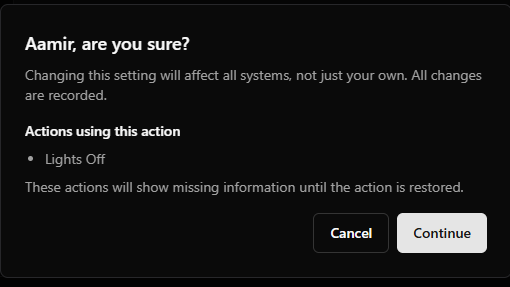
  • Restore deleted objectives, screens, hints, audios, devices, and variables

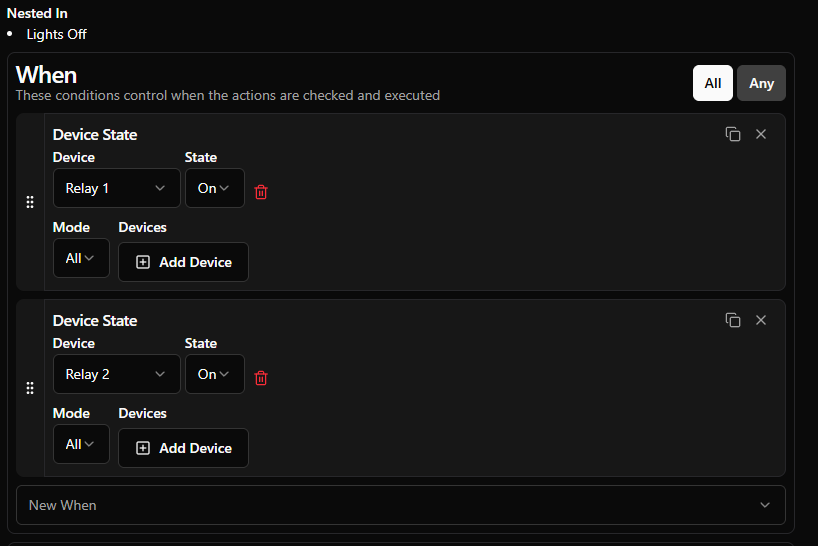
Display any actions that trigger another

Helps diagnose what causes an action to trigger: conditions and any actions that trigger it themselves.
Drawbridge Command Center

Connect your monitor to Drawbridge, then…

  • Quick restart Drawbridge

  • Full restart Drawbridge

  • Install/upgrade NVIDIA drivers

  • Reboot machine

  • View network connectivity

  • View machine IP address and Drawbridge URL

  • Reload networking

  • Troubleshoot Networking Issues

Other Features

  • Option to set inventory quantity from playbook actions

  • Display booking status on Reclaim Games page

  • Add Gamemastering Performance to weekly report

  • Added help doc links to more settings

  • Option to unmute cameras on the lobby page by default

  • Add support for Mythric Time Factors

  • Camera Preview will appear at the Top of the Settings Pages

Fixes

  • Disabled fullscreen on Lobby Display so that TV browsers don’t automatically go fullscreen on the video

  • Made the weather pop-up mobile-friendly

  • Added Help Doc Link to more settings
V1.29.0 - Custom Snooze Alerts, Win/Loss Display, and More

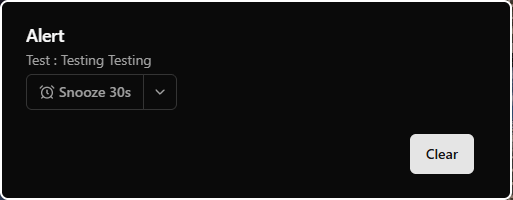
Custom Snooze Alerts

  • Set a default snooze time (in seconds) when creating and editing custom alerts

  • Settings > Game Settings > Objectives > Click on an objective > Add/Edit Alert (this only works for GM alerts, not host alerts)

  • Use that default time or a different time when an alert pops up on the GM screen

Configurable User Profiles

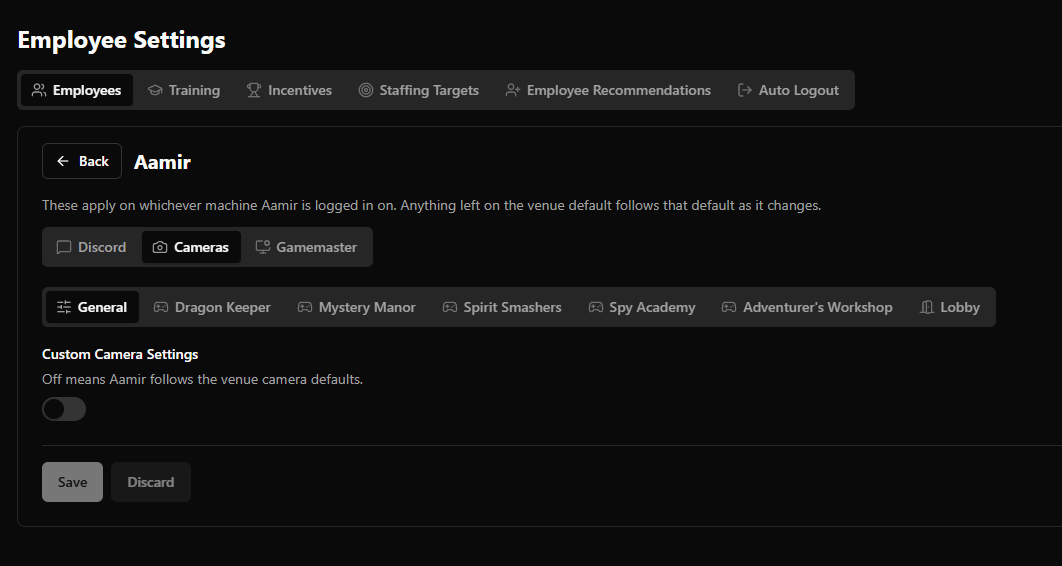
  • Each employee can edit their preferences for default camera volumes, general camera settings, input their Discord user ID, and gamemaster multitasking

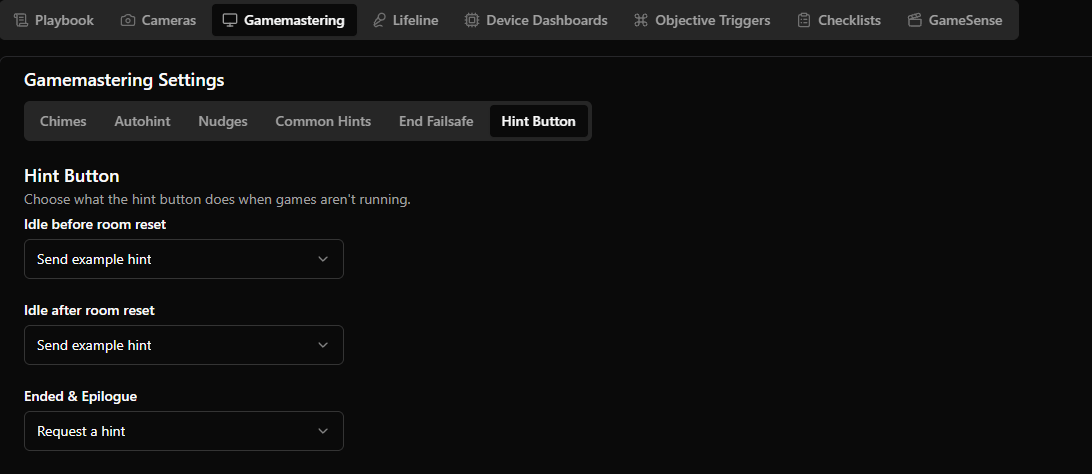
Hint Button Functionality

  • Configure hint buttons to toggle the reset timer, send an example hint, or request a hint when the game is in ended/epilogue, idle

Discord Notifications

  • Staff being x minutes late

  • Reset error logged

  • A new booking came in that starts within the next x minutes

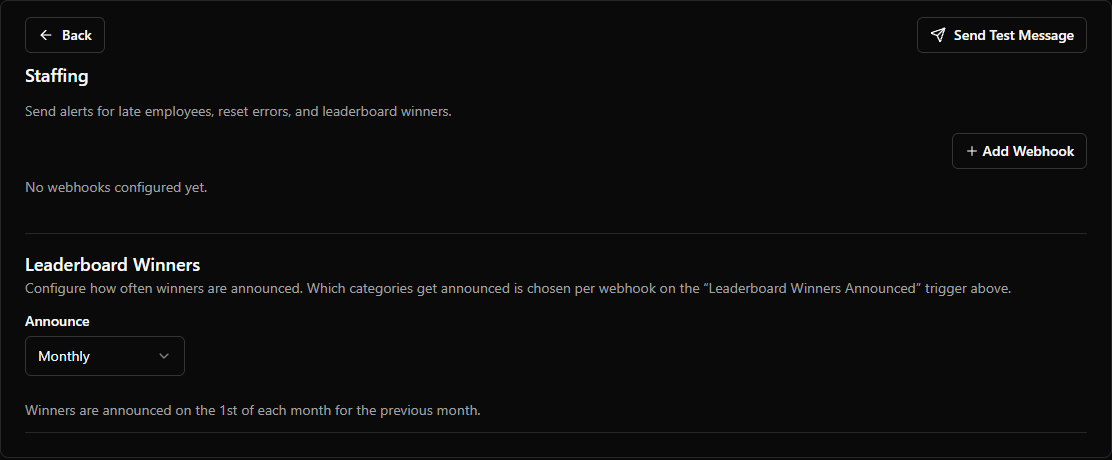
  • Staff leaderboard winners – ability to configure when leaderboard announcements are sent (weekly, monthly, daily)

  • Event bookings

Display Date of Reviews

  • New feature to be able to view the date the review was sent in

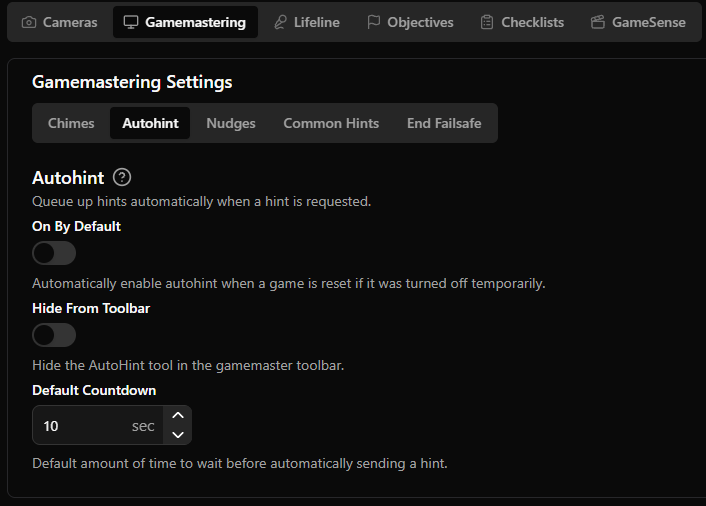
Hide Auto-Hint Slider

  • Setting to hide AutoHint slider from Gamemaster screen

  • Note that if it is enabled, it will be hidden and enabled by default, so the gamemaster won’t be able to change the time countdown

Display Game Name / Date on Game Forensics Page

  • In the game forensics page, you can now see the individual game and date for each game

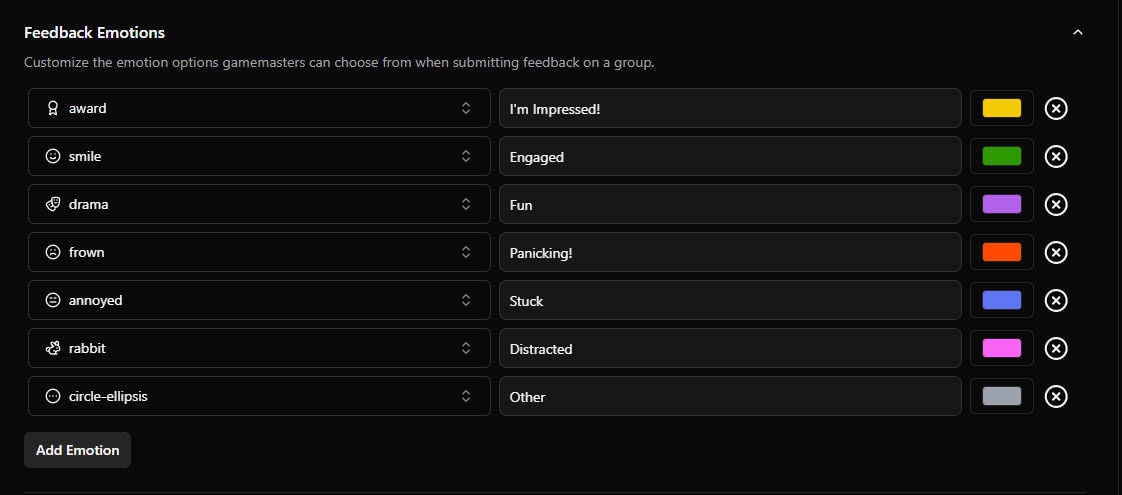
GameMaster Feedback more Customizable

  • Add your own emotion options and give them icons

  • Add final feedback when submitting a game’s end summary

  • Add, edit, and delete feedback from the game forensics page

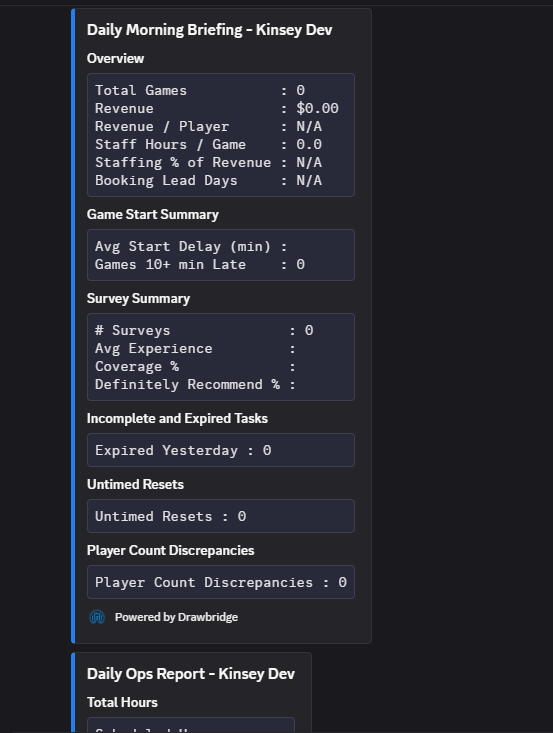
Send Daily Ops log and Daily Morning Briefing to Discord

  • Option to send Daily Ops Log and Daily Morning Briefing to Discord

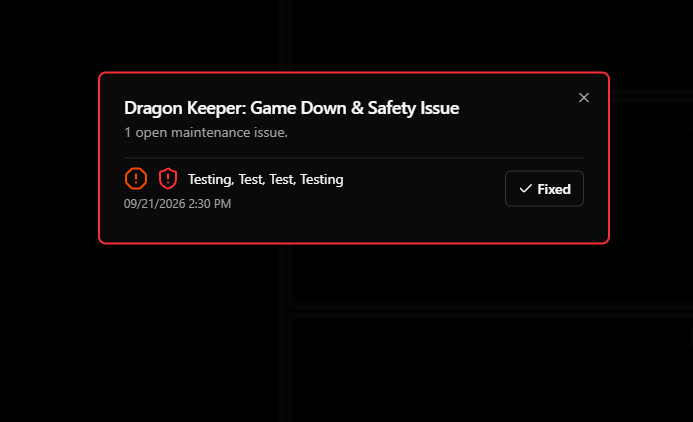
Maintenance Tickets Warning

  • When game down or safety issue maintenance tickets exist, warn on gamemaster page load

Other Features

  • Shift reports now include bookings booked, players, and staffing hours

  • Magic moments can create montages

  • Upload a video or image to play before every magic moment clip

  • Warning against leaving settings pages when changes are not saved

Fixes

  • In Game Forensics, gamemaster feedback gets assigned to the person who created the feedback, not the gamemaster logged for the end summary

  • Paginate goals page for faster loading

  • Show exact amount of time added in Game Forensics

  • Explicitly display win/loss on hosting cards

    • Win: Escaped in 59:25

    • Loss: Did not escape (60:00)

  • Calculate goal revenue in the same way as the monthly report

  • Cameras unmute at their default volume instead of requiring a swap

  • Resync DigiTickets bookings automatically on order line updates

  • Improve camera settings layout

v1.28.0 - Magic Moments, Discord Messages, Voice Memos, and More

Magic Moments

  • Magic Moments are now available for all venues! Learn more here.

Playbook Updates

  • Use ‘Ahead/Behind’ conditions in the Actions menu to react to player performance

  • Send live recorded, transcribed voice memos to the Countdown screen

New Gamemaster Features

  • The default camera per objective now persists through refreshes

  • Named camera watermarks can optionally appear in the top right of the camera feed

  • Pin hints on iPads by swiping to the right

  • Skip hints on iPads by swiping to the left

  • Add GM/Host messages send during a game session to the Log and Game Forensics

  • Custom Gamemaster alerts are tracked in the Log

New Settings

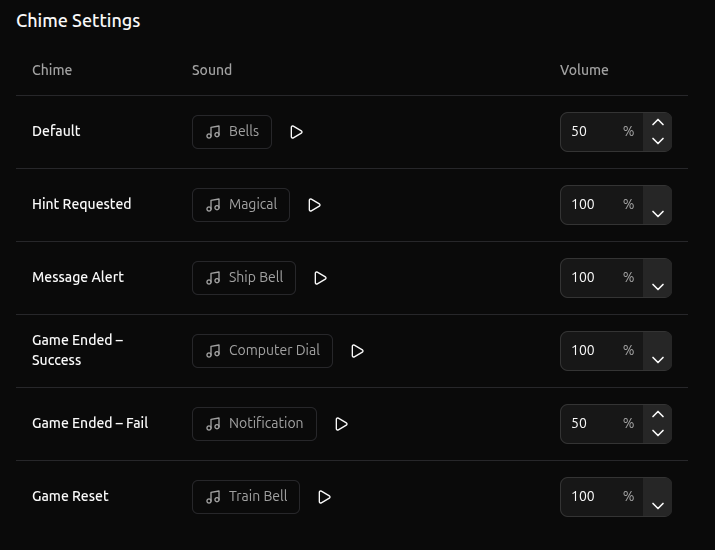
  • Configure alert chime sounds by type

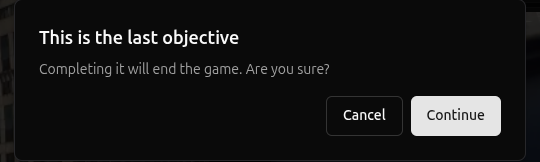
  • Option to confirm game end when manually completing the final objective

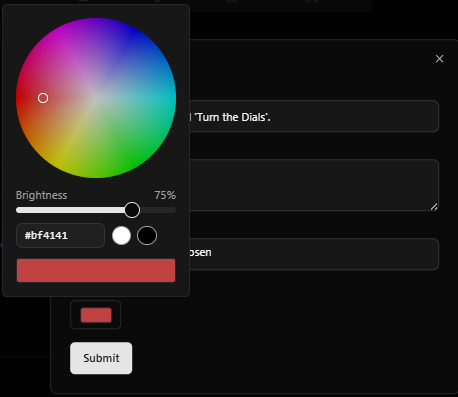
  • Pick the color for Host/GM alerts, Lobby Zones, and Icon Library with a color wheel instead of a pre-defined selection of colors

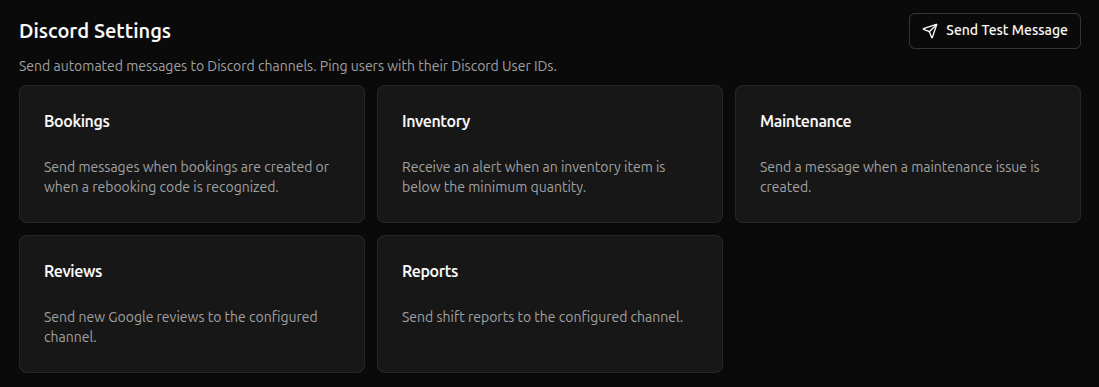
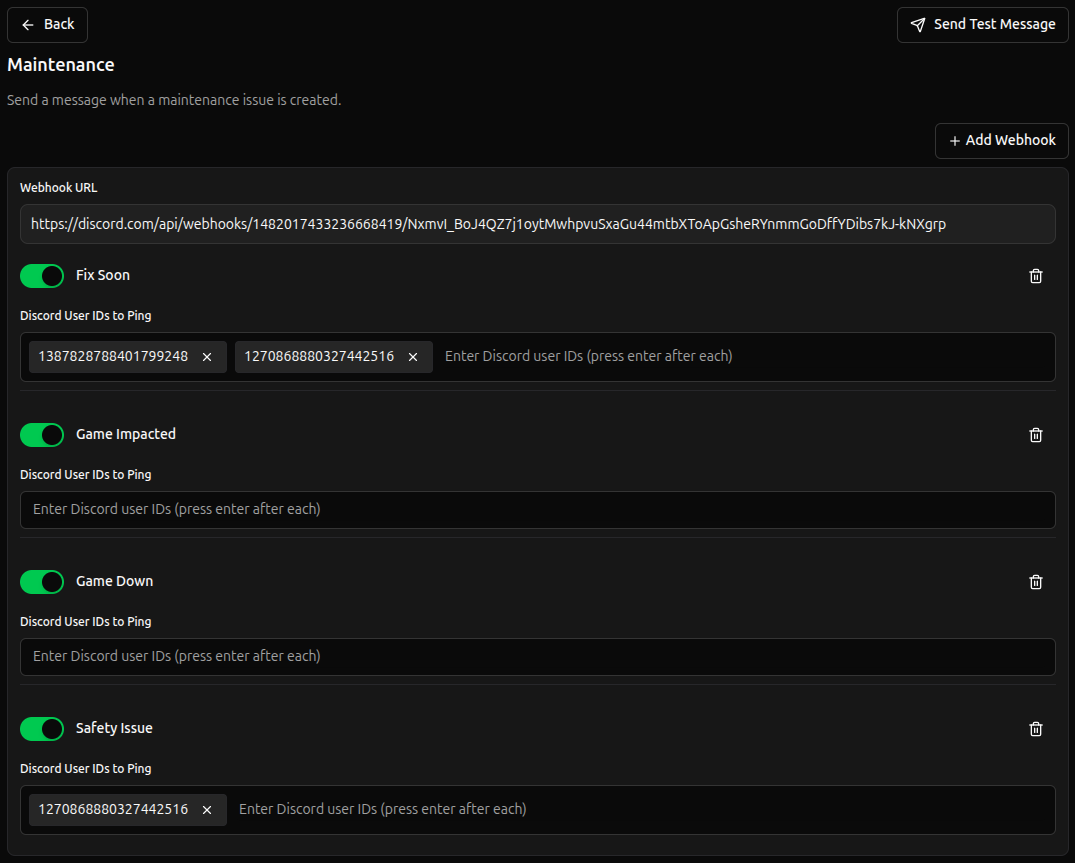
  • Configure what types of Discord messages get sent for each category and optionally ping users for specific message types

  • Maintenance Discord messages get marked as fixed when the issue is fixed in Drawbridge

  • Add ability to create multiple Discord webhooks so that messages can go to several channels

  • Option to disable cameras stretching to fill available space, preserving original aspect ratio

  • Set a default volume per camera

  • Set Venue Email for Magic Moment customer replies

Fixes

  • Add support for M3 version 61.4

  • Issue where Humanity erroring wouldn’t continually display as red in status center

  • Issue where non-text hints could not be previewed when selecting a hint using the Send Hint action

  • Sessions cannot be shared across bookings from reclaim games

  • Allow small window sizes to hover and change camera volumes

  • Fix muted primary camera becoming unmuted at full volume when preserve camera volume is on and primary camera auto-switches

  • Fix gamemaster cycle game dialog disappearing every second while the game is running

  • Remove deleted actions and events with objective triggers that result in empty white squares on the gamemaster page

  • Sync story name changes from M3 without needing a server reboot

  • Allow duplicate training quiz questions

  • More settings pages are responsive for mobile screens

  • Include last day of goal period in progress calculation for revenue goals

  • Morning briefing hint response times sometimes inflated by proactive hint sending

  • Refine Google review name matching

  • Custom Hint text is shown in Game Forensics

Earlier updates